
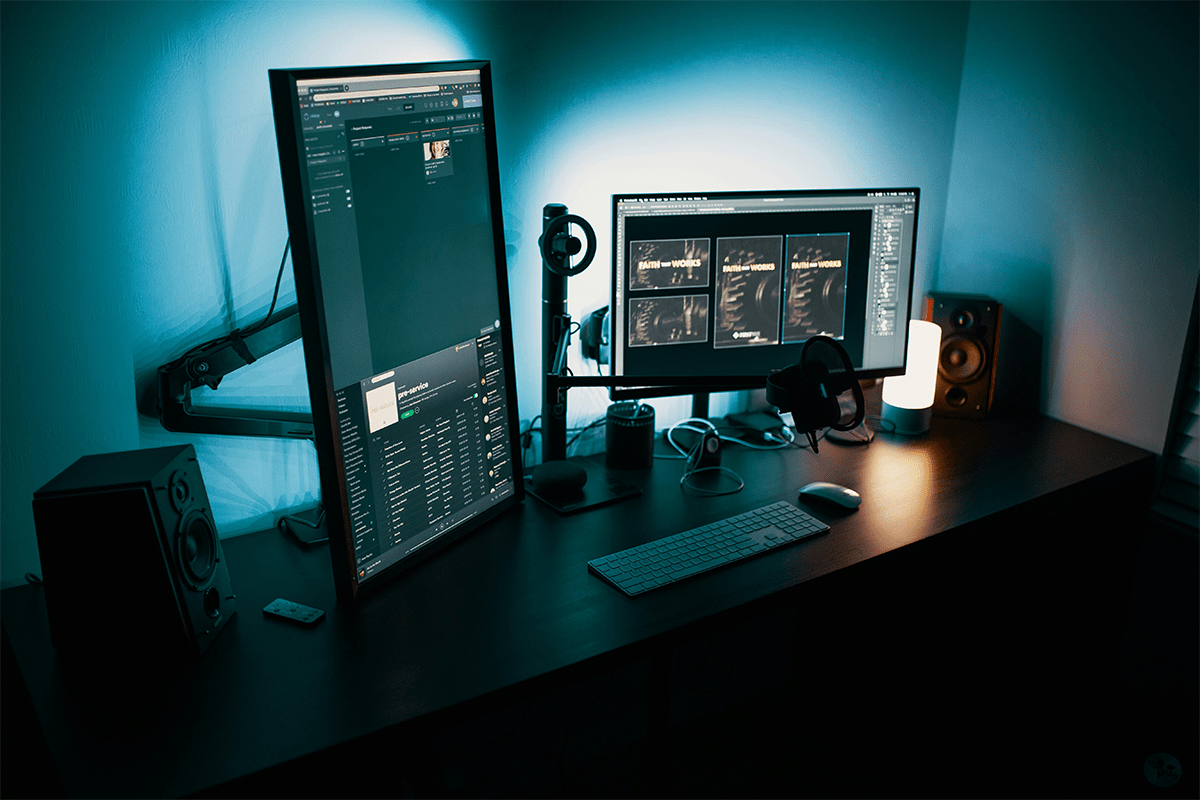
In this digital age, a significant problem is the lack of productivity and work efficiency. These Lenovo laptop screen extenders will help you bridge that gap within no time. Students, freelancers, and working professionals have to manage multiple tasks at a time, and they have no extra monitoring space. Here, these portable and easy-to-carry laptop screen extenders will ensure that you stay productive and efficient while you are on the go.
These computer screen extenders provide a complete view of all your open tabs and allow you to access them easily without putting extra effort. A setup like this is very much suitable for professionals working from homes, offices, and co-working spaces. It significantly improves productivity and efficiency, cuts efforts and time in half, and yields good results.
Top 5 Best Lenovo Laptop Screen Extenders:
These portable monitors offer both function and ease of use. They are perfect for working, studying, or sharing presentations. Each one is built to connect smoothly with Lenovo laptops. Another accessory trending is the Kefeya laptop screen extenders. Find out what suitable options are available for you!
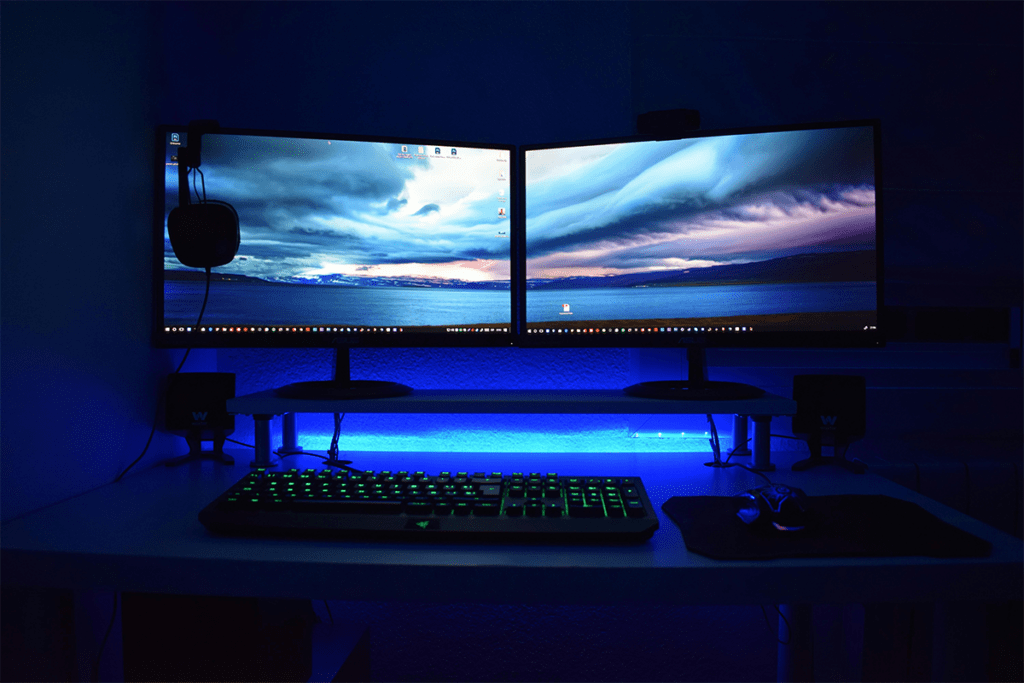
1. Lenovo ThinkVision M14 / M14t
The Lenovo ThinkVision M14 and M14t are two of the best options for Lenovo users. Since they are made by Lenovo, they are fully designed to match Lenovo laptops in style and function. Both models have a 14-inch Full HD screen with bright and clear visuals. They use USB-C to connect, so there is no need for extra power cables or adapters.
The M14t also includes touchscreen support, which is helpful for creative tasks or interactive presentations. These screens are very light and easy to carry, which makes them ideal for travel or working between meetings. If you need a lightweight USB-C portable monitor for business travel, the M14 or M14t will be a great match.
Pros:
- Works best with Lenovo laptops
- Easy to carry and light
- Clear and sharp display
- Low lag for smooth work
Cons:
- Not bright in sunlight
- Motion can look blurry
- The screen is a bit small
- No support for HDR features
2. Asus ZenScreen MB16AC / MB16ACF
The Asus ZenScreen MB16AC and MB16ACF offer a large 15.6-inch Full HD screen in a very slim body. They are known for their smart cover, which can fold into a stand and their simple USB-C connection. If your Lenovo laptop does not support video over USB-C, the DisplayLink technology can still make this screen work by installing a small driver.
These models are best for professionals who want a screen extender that looks good and works well. The anti-glare screen helps reduce eye strain, which is important for long workdays. If you are looking for a thin portable monitor for remote workers, the ZenScreen is one of the best choices.
Pros:
- Slim and easy to carry
- The smart case becomes a stand
- Works with USB-C or USB-A
- The screen looks good from angles
Cons:
- The screen is not very bright
- The glossy screen reflects light
- Needs a driver for USB-A
- A stand takes time to set up
3. Arzopa Z1RC (16″ 2.5K)
The Arizona Z1RC offers a sharp 2.5K resolution on a 16-inch screen, which is great for high-quality images and videos. It connects using both USB-C and HDMI, giving Lenovo users more flexibility. This is useful if you switch between different laptops or devices. The screen shows bright colors and wide viewing angles, making it a good choice for editing or watching content.
This monitor also stands out because it offers high resolution at a low price. It is perfect for students, designers, and business professionals who need clear visuals but want to stay on a budget. If you are searching for affordable high-resolution monitors for Lenovo laptops, the Arzopa Z1RC is an excellent pick.
Pros:
- High-resolution and sharp
- Bright screens, even outdoors
- Good value for the price
- Comes with useful cables
Cons:
- The backlight may show uneven
- The stand is weak and wobbly
- No carrying case included
- Only one-year warranty
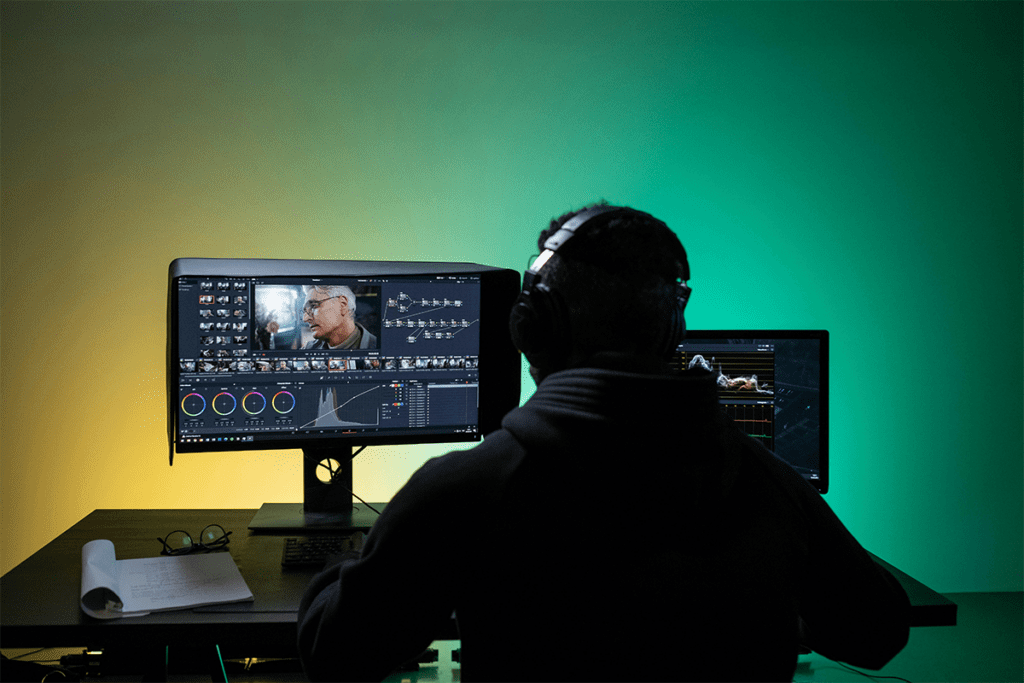
4. ViewSonic TD1656 2K
The ViewSonic TD1656 2K is a high-quality portable touchscreen monitor. It features a 16-inch 2K resolution screen and supports full touch input. It connects through USB-C and includes a stylus, which is useful for drawing, designing, or making notes during presentations. The screen works well with Windows 10 and Windows 11, which makes it easy to set up with Lenovo laptops.
This monitor comes with a protective cover that also works as a stand. It is built from strong materials and is made for users who need a strong, interactive display. If you are in a creative field or present often, this is a great touchscreen portable monitor for creative professionals.
Pros:
- The touchscreen works with a pen
- Can pass power through USB-C
- The screen is bright and clear
- Great for sketching and notes
Cons:
- No HDMI port is available
- Few screen settings to adjust
- The colors are not very deep
- Not for fast-motion gaming
5. Espresso Displays 15 Pro
The Espresso Displays 15 Pro is a stylish and premium option. It has a 15.6-inch 4K touchscreen and includes a magnetic stand that can adjust to different angles. It works with both USB-C and HDMI, and it is one of the thinnest monitors available in 2025. Its sleek design fits well in modern office setups or creative workspaces.
It is great for Lenovo laptops that support DisplayPort Alt Mode. The sharp 4K resolution makes it perfect for photo editing, graphic design, or detailed work. If you want a 4K external display for Lenovo laptops, the Espresso 15 Pro is a strong and smart investment.
Pros:
- Very sharp 4K display
- The stand adjusts to many angles
- Works with touch and pen
- Sleek and premium design
Cons:
- Costs more than others
- Speakers are not loud
- Heavier with a stand added
- Settings require extra software
Comparison Table: Lenovo Laptop Screen Extenders
| Monitor | Screen Size | Resolution | Touchscreen | Connection Type | Weight | Special Feature |
|---|---|---|---|---|---|---|
| Lenovo ThinkVision M14 / M14t | 14 inches | 1920 x 1080 (FHD) | M14t: Yes, M14: No | USB-C | 1.3 lbs (approx.) | Built by Lenovo for Lenovo devices |
| Asus ZenScreen MB16AC / MB16ACF | 15.6 inches | 1920 x 1080 (FHD) | No | USB-C (DisplayLink fallback) | 1.7 lbs (approx.) | Auto-rotate, smart cover stand |
| Arzopa Z1RC (16″ 2.5K) | 16 inches | 2560 x 1600 (2.5K) | No | USB-C and HDMI | 1.7 lbs (approx.) | High-resolution at low cost |
| ViewSonic TD1656 2K | 16 inches | 1920 x 1080 (FHD) | Yes | USB-C | 2.0 lbs (approx.) | Touch input with stylus |
| Espresso Displays 15 Pro | 15.6 inches | 3840 x 2160 (4K) | Yes | USB-C and HDMI | 2.1 lbs (approx.) | Ultra-slim 4K display |
Conclusion
Choosing the right Lenovo laptop screen extender can make your work easier and more enjoyable. Each option on this list is designed to work smoothly with Lenovo laptops and meets the needs of different users. Whether you need a basic second screen or a powerful touchscreen with high resolution, there is something here for you.
From the lightweight and easy-to-carry Lenovo ThinkVision M14 to the high-end Espresso Displays 15 Pro, these screen extenders offer flexibility, comfort, and better ways to multitask. Adding a second screen helps businesses, students, freelancers, and remote teams do more with less effort. Take the time to choose the one that fits your needs, and you will see an immediate boost in how you use your Lenovo laptop.