
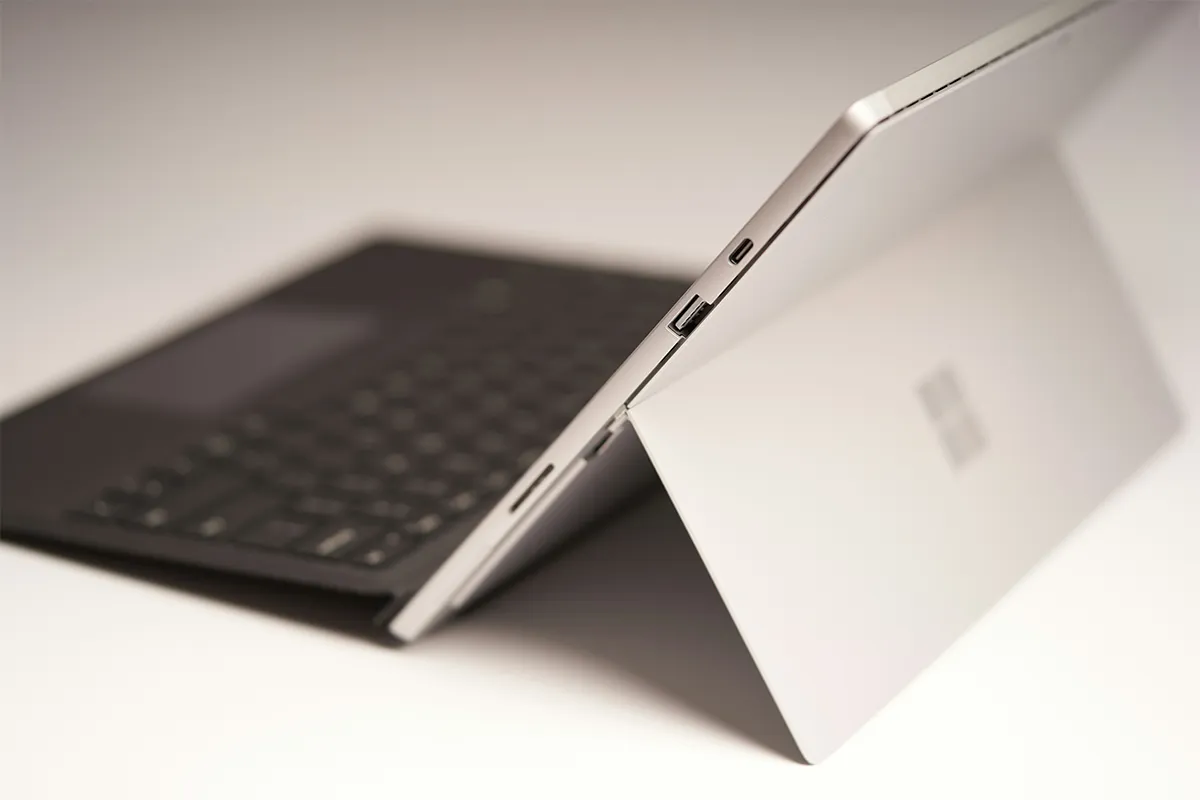
If you have a busy day in which you have to get a number of tasks done, this could be a hassle. In such a scenario, these best laptop screen extenders for Microsoft Surface can make your job easier than ever before. Now you do not have to switch screens frequently to keep an eye on all the crucial happenings. These extra screens get attached to your Microsoft Surface easily and assist in daily functioning.
Portability is another factor that allows you to move around from place to place and set up your remote office where you feel fresh and comfortable. Is it worth buying a laptop screen extender? The answer is yes. They improve your productivity, make it convenient to get the work done, save time, and help you stay organized and focused to achieve higher satisfaction.
table { width: 100%; border-collapse: collapse; font-family: Arial, Helvetica, sans-serif; border: 1px solid #ccc; border-radius: 6px; overflow: hidden; } th, td { border: 1px solid #ccc; } th { background-color: #f0f0f0; font-weight: 600; text-align: left; padding: 10px 12px; } td { padding: 8px 12px; font-weight: normal; } tr:nth-child(even) td { background-color: #f9f9f9; } a { color: #0073e6; text-decoration: none; display: block; /* ensures full cell clickable */ } tr td:hover { background-color: #e0f7ff; transition: background-color 0.3s; }Top 10 Best Laptop Screen Extenders for Microsoft Surface
These ten products are real portable monitors from well-known brands. Each one can act as a screen extender for a Microsoft Surface setup, and some can also work as laptop screen extenders for gaming, giving extra space for visuals and smoother multitasking. Choose by size, carry comfort, and the easiest connection for your Surface.
1. Dell 14 C1422H
Dell makes many work screens, so this model is built with a work mind. The 14-inch size is easy to carry and easy to place. The screen can sit beside your Surface without taking over the desk. On a small table, that balance can matter a lot.
A clean setup often starts with one cable. With the right Surface model, a USB-C cable can carry the picture and power. That keeps your space neat and cuts down on cable clutter. The small size also helps when you pack it often. People who search for a portable monitor for Surface Pro often like this type of screen because it stays light and feels simple.
Pros:
- Light 590 g travel weight
- Two USB-C ports for video
- Strong tilt range for comfort
- Compact 14-inch desk-friendly size
Cons:
- No HDMI input option
- Needs USB-C DP Alt Mode
- No touch support listed
- Only 1080p Full HD
2. Lenovo ThinkVision M14
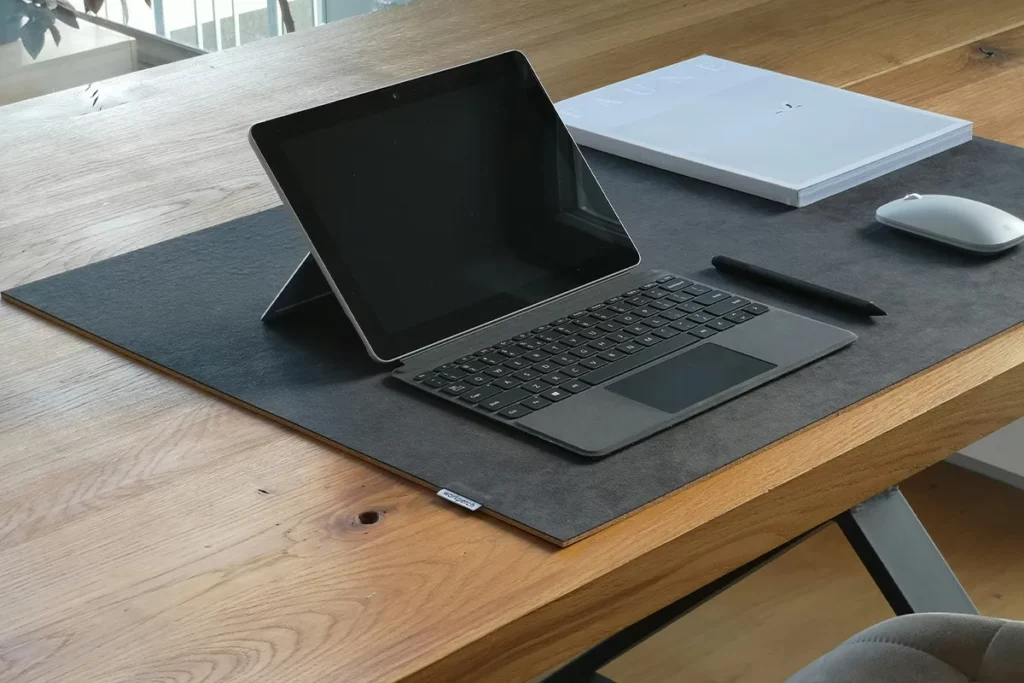
Lenovo ThinkVision monitors show up in many offices because they are built for steady work. This model is slim and easy to move, yet it still feels solid. The screen looks clean next to a Surface, and it does not feel bulky in a bag.
Fast setup matters on busy days, and these screen extenders for office work can keep your tasks organized with ease. A second screen can hold a file while the main screen holds your main app. That keeps both views open at the same time, which can feel smoother than constant switching. Many buyers look for a USB-C screen extender for Surface Laptop because USB-C can be a simple way to connect when the Surface supports video over USB-C.
Pros:
- Very light 598 g design
- Two USB-C ports, DP Alt
- Very thin 4.4 mm body
- Easy fit in a laptop bag
Cons:
- No HDMI backup port
- Needs USB-C video support
- No touch support listed
- Only 1080p Full HD
3. HP E14 G4
HP is a well-known brand for work gear, so this portable monitor aims for steady daily use. The screen can support reading, writing, and planning. A second screen can also keep chat open while a document stays on your main display.
Less switching often means fewer mistakes. It is easier to copy a number when both pages stay open. It is easier to follow a call when notes stay visible too. A lot of people who build the best dual-screen setup for Microsoft Surface pick a business-style portable monitor because it focuses on stable, repeated use.
Pros:
- Bright 400-nit screen
- Two USB-C ports, DP Alt
- Light 0.64 kg build
- Strong anti-glare for daylight
Cons:
- No HDMI input option
- Not VESA-mount compatible
- No touch support included
- Only 1080p Full HD
4. LG gram +view 16MQ70
LG is known for strong display quality, and this model gives a larger portable screen. A 16-inch extender can feel close to a real desk monitor. Wide pages can fit better, and side-by-side work can feel less tight. That can help your eyes too.
More space helps when your work has many panels and tabs, and users who want cheap screen extenders can still get this larger view without overspending. Spreadsheets can feel easier when you see more columns. Long documents can feel easier when you see more lines. Anyone looking for a 16-inch portable monitor for Surface often wants that larger view, because it can change how the whole desk feels.
Pros:
- 16-inch screen feels roomy
- 2560 × 1600 sharp text
- Two USB-C ports for video
- Light 0.67 kg without folio
Cons:
- Discontinued in some regions
- No HDMI input option
- No touch support listed
- Needs USB-C DP Alt Mode
5. ASUS ZenScreen MB16ACV
ASUS ZenScreen is a popular line for portable second screens. This model is made for travel and quick setups. The screen packs easily, and it fits well in many work spots, from a desk to a dining table.
A smooth routine makes a screen extender feel worth it. You open your Surface, connect the cable, and begin. When the stand feels stable, the whole setup feels better. A lot of users search for a travel-friendly second monitor for Surface because the Surface itself is made to move, so the screen extender needs to move well, too.
Pros:
- Slim 10.5 mm profile
- Light 0.9 kg carry weight
- One USB-C cable for display
- Built for travel use
Cons:
- USB-C–only input limitation
- No HDMI backup port
- No touch support listed
- Needs USB-C DP Alt Mode
6. ViewSonic VG1655
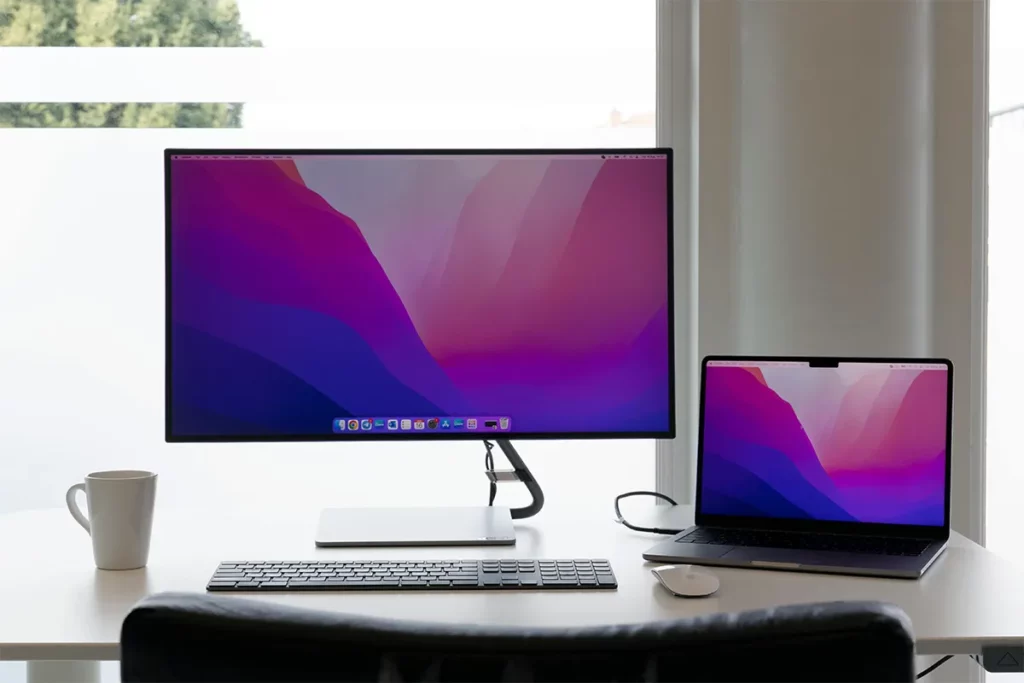
ViewSonic is a long-time monitor brand, so many people know the name. This model is made for work tasks like reading, writing, and planning. A portable monitor like this can keep a reference page open while the main screen stays on your main job.
Some models also offer extra convenience as laptop screen extenders with Bluetooth, letting you connect wirelessly to your Surface and reduce cable clutter. Some days, a USB-C cable is enough. On other days, a dock or adapter is needed. A monitor that supports more than one path can save time and reduce stress. Many people describe the goal as a plug-and-play external monitor for Surface, which means the setup feels easy and the image stays stable.
Pros:
- USB-C one-cable with 60 W
- Mini-HDMI adds extra flexibility
- Foldable stand built in
- Light 1.8 lb travel weight
Cons:
- Mini-HDMI needs an extra cable
- No touch support included
- Only 1080p Full HD
- Thicker than ultra-slim models
7. Acer PM161Q
Acer is a major brand with wide sales, so it is not an unknown name. This screen can be a good choice for simple daily work. A clear picture and a steady stand can be enough for a second screen that holds email, notes, or a checklist.
Carry comfort can decide if the screen gets used often. Checking a best brand list can help you pick the most reliable portable monitor for your Surface without any guesswork. A screen that feels heavy may stay at home. A screen that packs well can become part of your normal kit. Buyers who want a thin, lightweight portable monitor 14-inch often look at models like this because the size can be easily managed.
Pros:
- 15.6-inch Full HD IPS
- HDR10 support for video
- Light 1.65 lb carry weight
- USB-C can carry a display
Cons:
- May need an extra power cable
- No touch support listed
- Only 1080p Full HD
- Ports vary by region
8. Philips 16B1P3302/00
Philips is a long-time electronics brand, and this model is known for flexible connection support. Some versions may support DisplayLink, which can help in certain setups. That can matter when a direct video path is not available in a simple way.
Extra flexibility can bring extra steps. DisplayLink may need drivers, and that can be harder on a locked work device. At home, it may be fine, but it still needs a quick check before buying. The key phrase many people search for is DisplayLink portable monitor for Surface, because that points to a setup that can work in special cases.
Pros:
- USB-C supports DP Alt Mode
- DisplayLink option adds flexibility
- 75 Hz feels slightly smoother
- LowBlue and flicker-free modes
Cons:
- DisplayLink needs a driver install
- Heavier 1.03 kg carry weight
- USB-C–only input limitation
- Power delivery limited to 15 W
9. AOC 16T2
AOC is a known monitor brand, and this portable screen is made to add space for laptop work. A larger portable monitor can help with reading and side-by-side pages. That can also help during calls, since the call can stay open while your notes stay open, too.
Surface setups can use USB-C or HDMI with an adapter or dock, and some users prefer full HD laptop screen extenders for clear visuals. Once the connection path is clear, the buying choice becomes simpler. A common need is a Surface-compatible HDMI portable monitor, especially when HDMI is the easy path in a shared office or a meeting room.
Pros:
- 10-point touch works with Windows
- Built-in battery helps mobility
- Two USB-C plus micro-HDMI
- SmartCover and AutoPivot support
Cons:
- The battery adds extra weight
- Touch may need USB-C data
- A Micro-HDMI cable is often required
- Only 1080p Full HD
10. MSI PRO MP161
MSI is well-known in computer hardware, and the PRO line aims at work use. This portable monitor can be a steady second screen for daily tasks. Many people keep a to-do list, chat, or a guide open on the second screen, so the main screen stays clear.
A second screen becomes more useful when it feels easy every day. Setup time matters, and pack time matters too. When the routine is smooth, the screen gets used more often. For professionals who need multiple displays, laptop screen extenders with 4 monitors can turn a Surface into a highly productive workstation.
Pros:
- Light 0.75 kg body
- 0°–180° tilt range
- USB-C external power support
- Clean business-style design
Cons:
- No built-in battery power
- No touch support included
- Only 1080p Full HD
- External power is needed every time
Comparison Table: Laptop Screen Extenders for Microsoft Surface
| Model | Screen size | Resolution | Video input | Touch | Weight (approx.) | Surface fit note |
|---|---|---|---|---|---|---|
| Dell 14 C1422H | 14" | 1920 × 1080 (FHD) | 2 × USB-C (DisplayPort Alt Mode) | Not stated | 0.59 kg | Best for most modern Surface models with USB-C DP Alt Mode |
| Lenovo ThinkVision M14 | 14" | 1920 × 1080 (FHD) | 2 × USB-C (DP 1.2 Alt Mode) | Not stated | 0.60 kg | Very Surface-friendly for USB-C DP Alt Mode devices |
| HP E14 G4 | 14" | 1920 × 1080 (FHD) | 2 × USB-C (Alt Mode DisplayPort 1.2) | No | 0.64 kg | Great for USB-C DP Alt Mode Surfaces; clean one-cable setup |
| LG gram +view 16MQ70 | 16" | 2560 × 1600 (WQXGA) | 2 × USB-C (DP Alt Mode) | No | 0.67 kg | Higher-res option for Surface USB-C DP Alt Mode |
| ASUS ZenScreen MB16ACV | 15.6" viewable | 1920 × 1080 (FHD) | USB-C–only input | Not stated | 0.83 kg | Simple USB-C choice; confirm DP Alt Mode on your Surface |
| ViewSonic VG1655 | 15.6" | 1920 × 1080 (FHD) | USB-C + mini HDMI | Not stated | 0.80 kg | The HDMI option helps if your Surface needs an adapter hub |
| Acer PM161Q | 15.6" | 1920 × 1080 (FHD) | USB-C–only input | Not stated | 0.79 kg | A lightweight USB-C option for DP Alt Mode Surfaces |
| Philips 16B1P3302/00 | 15.6" | 1920 × 1080 (FHD) @ 75 Hz | USB-C (DisplayPort 1.4 Alt Mode and DisplayLink) | Not stated | 1.03 kg | Best “it just works” pick when DP Alt Mode is limited, but DisplayLink needs a driver |
| AOC 16T2 | 15.6" | 1920 × 1080 (FHD) | 2 × USB-C + micro HDMI | Yes (10-point) | 0.99 kg | Touch can work well on Surface; HDMI is a useful fallback |
| MSI PRO MP161 | 15.6" | 1920 × 1080 (FHD) @ 60 Hz | USB-C + mini HDMI | Not stated | 0.75 kg | Flexible ports; good when you want HDMI as a backup |
Conclusion
A Surface can feel much more powerful with a second screen. Two screens can help you work with fewer switches and fewer lost windows. Research has shown that portable second screens can support productivity and flexibility in hybrid and remote work environments, highlighting the broader value of expanding the digital workspace with multiple displays. That can help you stay focused and feel less rushed. The best match is the one that fits your Surface ports and feels easy every day.
Different people need different sizes and styles. Some people want a small, light screen for travel. Other people want a bigger screen for wide work. Start by checking how your Surface connects to an external display, then pick the screen that matches that path. When the connection is simple, a screen extender can feel like a clean and helpful upgrade.

Haroon writes about productivity and sync tools. He covers how to connect Outlook and Google so your calendar, contacts, and tasks stay in one place.