
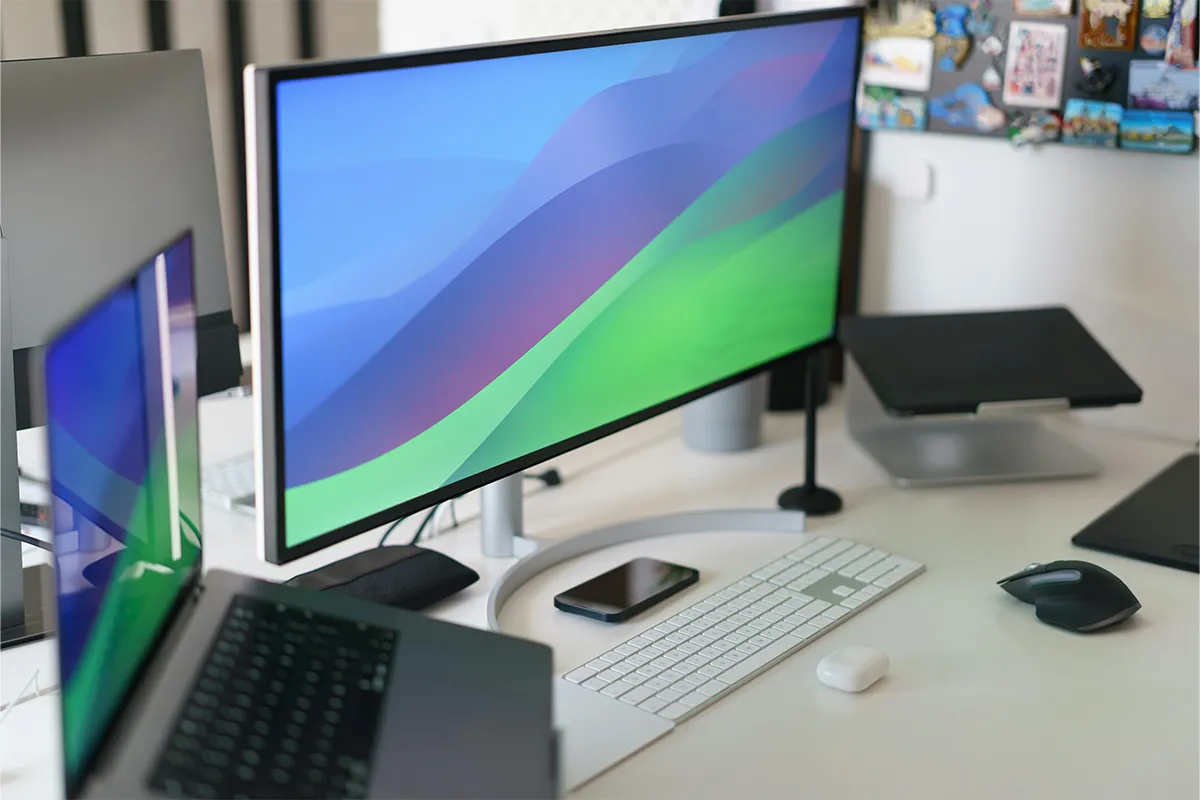
Yutoo triple laptop screen extender can help you save from the hassle of switching tens of tabs on a single screen. This takes a lot of time and effort to navigate between tabs, and the final outcome is also not that impressive. Additionally, it reduces your productivity and working efficiency, and makes you tired of using a single screen in this age of competition.
This matters when you are a freelancer, trader, teacher, businessman, or professional working at home or in the office. The Yutoo triple screen extender is easy to use, which will boost your performance and increase the output. Let’s take a look at how you can install that and get started!
Quick Specifications
| Item | Detail |
|---|---|
| Screen size | 14-inch IPS, 1080 p |
| Brightness | 300 nits |
| Color range | 72 percent NTSC |
| Weight | 3.5 lb (1.59 kg) |
| Rotation | Left 235°, right 180° |
| Cables in box | USB-C, USB-A to USB-C, mini-HDMI adapter |
| Laptop fit | 13.5–16.5-inch bodies |
First Look and Unboxing YuToo
Early one morning, a brown box arrived. A hard-shell case sat inside. Foam hugged the extender, so bumps in shipping left no mark. Matte-black plastic feels firm, not flimsy. Metal in the spine adds strength. Each hinge turns without squeaks. A neat pouch holds two data cables, a video adapter, soft straps, and a small cloth. Clear labels on every pouch stop mix-ups. The first touch raised hopes for solid build quality.
Lifting the closed unit beside a 14-inch laptop showed the added thickness. Three and a half pounds is light for two screens, yet thin ultrabooks tilt if their hinges are weak. Travelers who expect tablet-light gear must plan for this weight. If you own a laptop, you might be interested in these top 5 Lenovo laptop screen extenders.
Setup Steps
Setting up the extender takes little time and no deep tech skills.
- Clip and Lock: Place the extender on the laptop lid and slide the clasp until it clicks.
- Connect One Cable: Plug the included USB-C into the extender and then into the laptop for both power and video.
- Add Legacy Path: For older laptops, attach the mini-HDMI plus USB-A cable set to carry video and power.
- Pass-Through Charge: If needed, plug a charger into the spare USB-C port on the extender so the laptop stays full.
These four moves finish the job in under one minute. The screens light up without drivers, and work can start at once.
1. Display Quality
Picture fidelity matters on the road. A small error on-screen can cost time and focus. People buy this extender mainly as a remote work productivity screen upgrade, so the image quality must meet the promise.
2. Brightness and Color
Work often moves from office lights to outdoor patios. At 300 nits, each screen stays clear under indoor lights and most airport windows. Full sun may wash colors, but shade fixes that. The 72 percent NTSC range shows neat charts and sharp text. Designers who grade photos might want deeper color, yet office tasks look fine. The 60 Hz rate keeps scrolling smooth and avoids ghost trails in code or slides.
3. Angles and Rotation
The left screen swings out 235 degrees. The right moves 180 degrees. These angles shape a half circle for sharing or can fold flat for privacy. When you sit in a tight plane seat, tucking the screens closer narrows the width. On a wide table, spreading them out makes a long line. Locks in the hinges stop the wobble even when fingers poke the panels.
4. Power Draw
Each extra display needs energy. Tests showed about nine watts in normal use. A 70-watt-hour laptop battery then lasts one hour less than with the built-in screen alone. For short meetings, that drop is small. For long flights, a power bank or seat outlet helps.
Real-World Test Scenes
During two weeks on the go, three work scenes stood out.
1. Coding Sprint
After placing a code editor on the laptop, API notes on the left panel, and live preview on the right, I saved time. Alt-tab presses fell by one-third. Clear sight of every file, cut, and copy errors.
2. Financial Review
Large spreadsheets filled the central screen. A graph opened to the left. A PDF report stayed right. Eyes stopped darting between hidden windows. Edits finished twenty minutes quicker than usual.
3. Remote Teaching
A video call sat on one wing, slide notes on the other, and the lesson deck in the middle. Students saw a smoother flow. I glanced less at hidden controls, so my focus stayed on them.
Across scenes, the extender became the best travel multi-screen workstation that felt close to a desktop while it still fit in a shoulder bag.
Pros and Cons
Adding smart gear brings gains plus trade-offs.
Pros
- Sturdy Build: The strong build quality uses metal and thick plastic that survives daily travel.
- One Cable: A USB-C single cable screen extender sends power and video together for quick starts.
- Sharp Picture: The 14-inch FHD IPS laptop extender shows clear letters and smooth shapes.
- Flexible Hinge: A rotating laptop side monitor setup fits tiny tables or wide desks.
- Driver Free: The plug-and-play triple display accessory needs no software, saving time.
- Mac Friendly: The compact dual monitor attachment for Mac grips lids without blocking vents.
- Good Price: A budget-friendly laptop screen extender costs less than most rivals.
- Easy Travel: The portable triple monitor for laptops 2025 folds small yet offers big space.
Cons
- Extra Weight: The add-on strains thin hinges and can tip very light laptops.
- Battery Drop: Expect shorter unplugged time, as the screens draw steady power.
- Color Limit: With 72 percent NTSC, the unit lacks full range for pro photo edits; an ergonomic laptop multitasking solution still suits office needs.
All points weighed, the extender offers more value than trouble. It forms an ergonomic laptop multitasking solution for people who need space to think. These Kefaya laptop screen extenders are selling like a hot cake. Do check them out to find the perfect fit for yourself!

Who Should Buy the Yutoo Extender?
Consultants switching between client sites, students juggling research sources, and digital nomads mixing spreadsheets and calls could each gain from the wider view. Gamers might want faster refresh rates, and graphic artists may seek richer colors. For most remote workers, though, the extender cuts window chaos and smooths routine tasks.
Conclusion
After flights, cafés, and long desk sessions, the Yutoo Triple Laptop Screen Extender proves itself. It folds small, mounts fast, and brightens workflow. Weight and color limits exist, yet the time saved in every project offsets those drawbacks. The question asked at the start now has a clear answer: yes, it is worth it for mobile professionals who crave easy focus and extra room to work.
Early-season deals often appear on the official store and on large e-shops. Check those links if you plan to buy soon. A few extra grams in your bag may return many quiet, organized hours each week.