
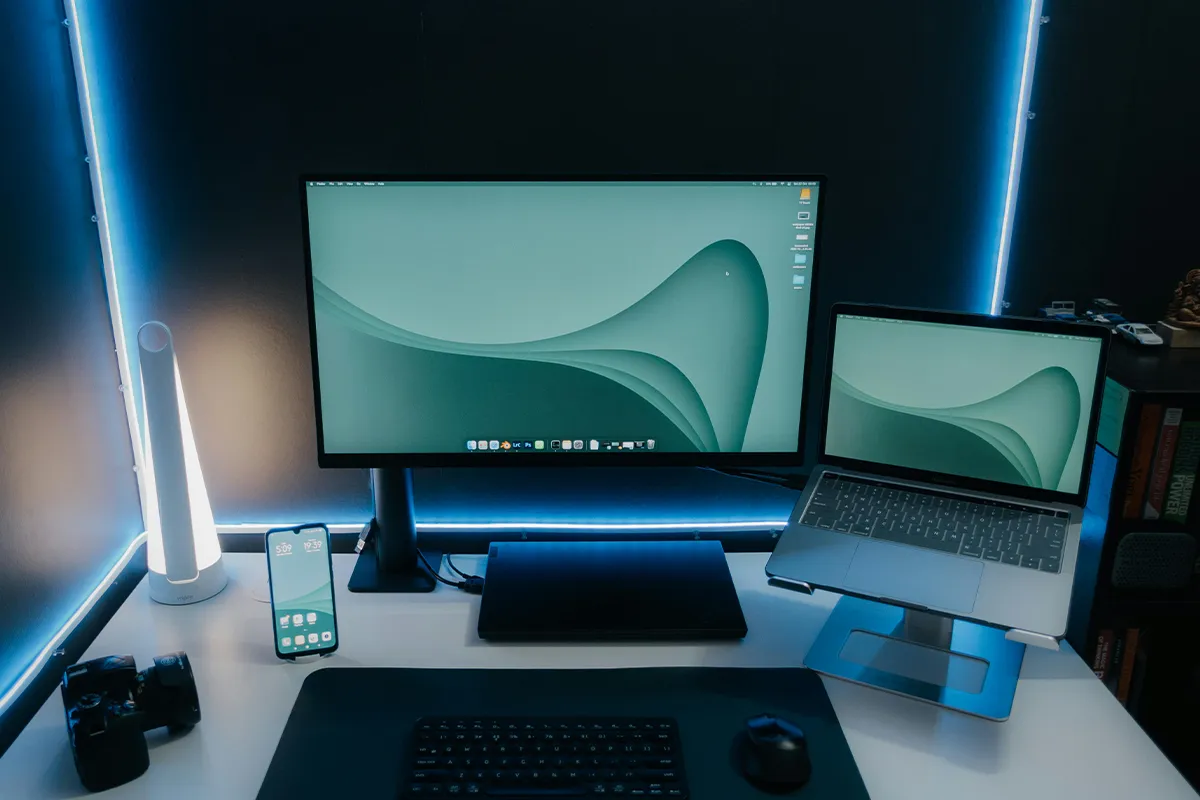
Are you starting your career or expanding professionally to be more work-efficient and productive? You might be interested in checking out the best laptop screen extenders for South Africa in 2025. Now you do not need to switch tabs very frequently and stick to your workplace at home or a fixed office place. The multiple screens ensure that all your tabs are accessible at the same time, and you work remotely while roaming around other places.
The idea of buying laptop screen extenders is interesting and much more proactive. They allow you to move around with no hassle, explore new places, and taste new food, while your entire office is in front of you. Why stick to one place when you have the option to move around and get your work done anywhere, in a cafe, on a train, or at a client site, with the same clear view and tools you use at your desk.
Top 10 Best Laptop Screen Extenders for South Africa (2025)
Start with your laptop size and weight. Then check your ports, power, and cables. Finally, choose a design that fits how you travel.
1. Mobile Pixels Duex Plus
Mobile Pixels Duex Plus slides out from a magnetic plate on the back of your laptop. Setup is quick, and the frame feels stable. Many users like the neat profile and the smooth motion of the sliding track. Text looks clear for mail, documents, and browser tabs.
Before you buy, check for USB-C with DisplayPort Alt Mode or plan on an adapter. Battery draw stays reasonable for light office tasks. For students and mobile workers, the Duex Plus gives a clean and compact lightweight laptop monitor extender without extra clutter.
Pros:
- 13.3 inch 1080p panel.
- About 1.3 pounds light.
- USB-C und Mini-HDMI.
- Slide-out magnetic mount.
Cons:
- 60 hertz refresh only.
- 300 nit brightness ceiling.
- Best fit 13 to 14.
- An adapter may be required.
2. Mobile Pixels Duex Float
Mobile Pixels Duex Float stands beside your laptop instead of clipping to the lid. Height and angle are easy to adjust. Eyes feel more relaxed because you can place the screen where it suits you. That helps when you read, code, or edit for long hours.
The stand folds flat for travel and opens in seconds. Portable laptop screen extenders add space for apps and notes. One cable can handle power and display on modern notebooks. If you prefer a free-standing panel and a clean laptop lid, the Float is a smart pick for a foldable laptop screen extender that stays flexible.
Pros:
- Freestanding stand beside the laptop.
- 15.6 or 16-inch options.
- 2.5K option on Pro.
- About 2.9 pounds in weight.
Cons:
- Heavier than attachable panels.
- Requires desk space for a stand.
- No sliding magnetic mount.
- Two size versions available.

3. SideTrak Swivel
SideTrak Swivel attaches firmly and lets the extra screen rotate toward a client or teammate. Sharing becomes simple since you do not need to move the laptop base. The hinge action is smooth, and the mount holds its position well.
Power runs over USB-C on many devices, which keeps the desk tidy. For sales calls, support work, or quick reviews, this model makes showing your work easy. Laptop screen extenders for office work help you share updates quickly in meetings. It fits daily use for attachable laptop monitor South Africa buyers who want a steady mount and a neat look.
Pros:
- 14 inch 1080p screen.
- 360-degree swivel hinge.
- USB-C, USB-A, Mini-HDMI.
- About 1.5 pounds in weight.
Cons:
- Thick mount on the laptop lid.
- Adds torque to hinges.
- 60 hertz refresh rate.
- Cable routing needs care.
4. FOPO Triple Portable Monitor
The FOPO Triple Portable Monitor adds two side panels around your laptop. Work fills the center while chats and references stay on the wings. You switch tabs less and see more context at once. Editors, analysts, and research teams gain real speed with this layout.
Since triple kits add mass, plan for a flat table and short cables, check your laptop hinge and confirm port support before you order. If you want a ready bundle that packs into a single case, FOPO fits well for a triple screen laptop extender 15.6 needs in South Africa.
Pros:
- Two fold-out side panels.
- 15.6 inch 1080p panels.
- USB-C and HDMI connectivity.
- About 3.06 pounds unit.
Cons:
- Heavier than single screens.
- Needs a sturdy table.
- May strain weaker hinges.
- More cables to manage.
5. HiveTec Triple Screen Laptop Monitor
HiveTec uses a frame that clips over the laptop lid and supports two side displays. The result is a wide and even view that suits project boards, docs, and dashboards. Cable runs are short, which keeps your setup tidy in tight spaces.
The weight is higher than a single panel, so treat the hinge with care. A flat and steady table gives the best result. For team leads, students, and freelancers who run many windows, the HiveTec kit offers a simple path to a three-screen layout that travels well.
Pros:
- 14-inch triple-screen kit.
- Portable, foldable frame design.
- Available locally on Takealot.
- Fast delivery options available.
Cons:
- Weight specification not listed.
- Ports may vary by batch.
- Online specs are limited.
- Extra hinge load considerations.
6. Portable Triple Screen Extender 14 inch
A 14-inch triple-screen extender suits smaller laptops. The panels align with 13 to 14-inch lids and do not hang off the edges. Your eyes travel less between windows, and your hands stay close to the keyboard. Notes, research, and video lessons all fit at once.
Travelers and students value the lighter load. Cheap laptop screen extenders give basic features at a friendly price. The design still gives real space for work but keeps the setup compact. If you want balance, this size class is a sweet spot for the best laptop screen extender 14 inch solutions.
Pros:
- 14-inch size for compacts.
- 1080p class panel listing.
- USB-C and HDMI options.
- South African shipping is available.
Cons:
- Generic brand naming is used.
- Exact weight is often missing.
- Specs vary across SKUs.
- Few independent reviews are available.

7. Portable Triple Screen Extender 15.6 inch
A 15.6-inch triple-screen extender matches larger laptops. Text and tools appear bigger, which helps with design, finance, and data work. You can keep charts, timelines, and layers open without stacking panels on top of each other.
Remember that bigger panels weigh more. Choose a strong table and plan your cable path. When paired with a 15 to 16-inch laptop, this class feels natural. It also works well for a dual-screen laptop setup on the go if you fold one side in and run two displays.
Pros:
- 15.6-inch panel size.
- 1080p class specification listed.
- USB-C or HDMI connectivity.
- Local warranty is often noted.
Cons:
- Heavier than 14-inch kits.
- SKU details can differ.
- Weight is not always specified.
- Limited independent testing.
8. Laptomo S6
Laptomo S6 focuses on a simple setup. Clip the frame, connect the cable, and begin. The housing is slim, and the look is clean. It suits calls, slides, web apps, and reading tasks. The design favors a quick start over complex features.
Check that the box includes the adapter you need. Brightness, tilt, and color should meet everyday office use. For many ultrabooks, one cable can handle both power and display. The S6 matches the idea of a USB-C-powered portable monitor for light and steady daily work.
Pros:
- 15.6-inch Full HD panels.
- Matte screen surface finish.
- Fits 13 to 17 laptops.
- USB-C and HDMI support.
Cons:
- Weight information is not clear.
- Retail pages vary by region.
- Needs a flat, stable desk.
- Plan cables and power.
9. FQQ Laptop Screen Extender
FQQ builds for repeatable, day-to-day use. The clamp holds well, and the panels aim to limit glare. Color and contrast stay steady for reading and admin tasks. Once you find your preferred angles, the frame opens to the same shape each time.
Home and office commuters will like the routine this creates. Short cables stop tangles, and a soft sleeve avoids scratches in your bag. For remote teams across cities, FQQ fits a portable monitor for a remote work plan that feels calm and consistent.
Pros:
- 15.4-inch Full HD IPS.
- Type-C and Mini-HDMI inputs.
- Fits 15.6 to 17.3 laptops.
- Wide operating system support.
Cons:
- MacBooks limit multiple displays.
- Heavier than single extenders.
- Requires sufficient Type-C power.
- Adapters may be required.
10. Maxfree S6
Maxfree S6 enters the triple screen space with a compact fold and smooth hinges. Opening and closing remain stable across frequent travel days. The kit is made for users who want more than one extra screen yet still pack light.
Measure your laptop width and thickness to ensure a snug fit. If you add a webcam or drive, a small hub keeps power and ports clean. When matched well, the S6 supports research, spreadsheets, and long writing sessions. It aligns with an attach and go laptop monitor style that stays quick and neat.
Pros:
- Two 15.6-inch screens.
- About 2.3 kilograms in weight.
- Multiple display modes available.
- Good for the home office.
Cons:
- Heavy for daily travel.
- Needs a generous desk depth.
- More cables to organize.
- Higher price tier reported.
How to choose the right extender in South Africa
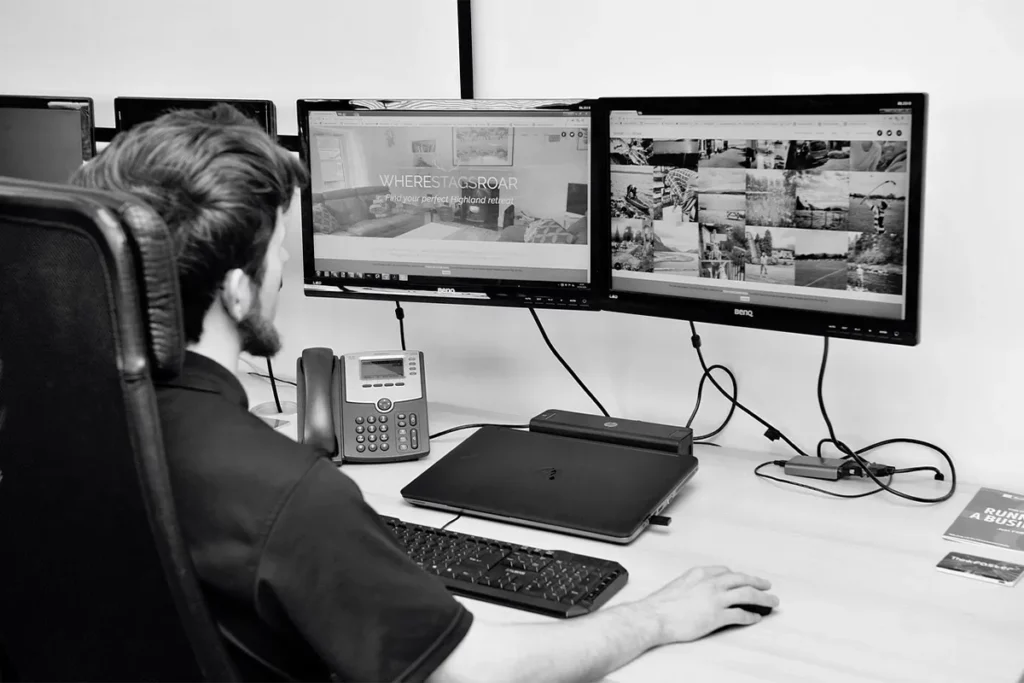
First, match the panel size to the laptop size. A 13 to 14-inch laptop pairs well with a 13.3 to 14-inch extender. A 15 to 16-inch laptop pairs well with a 15.6-inch extender. This keeps the lid balanced and the edges aligned. If you choose a triple kit, make sure the frame does not block ports and that the lid can still close without pressure.
Next, confirm ports and power. USB-C with DisplayPort Alt Mode gives the simplest plan. Without that mode, use HDMI or a small hub. Offices in South Africa often mix older and newer gear, so a hub with the right dongles saves time. Keep the cable run short to avoid clutter and reduce strain. A lightweight clip-on screen extender keeps your bag light and your desk tidy.
Also consider light and viewing comfort. Bright rooms call for higher brightness and a matte finish. Freestanding designs help you set a better eye line. Attachable designs help you move fewer gears. If you present to clients, a swivel or stand makes sharing easy.
Finally, think about travel and care. A sleeve protects the panels in transit. A zip pouch for cables speeds up setup and teardown. Always place triple kits on a flat table. With a simple routine, you protect the hinge, avoid snags, and keep the screen clean.
Comparison Table: Best Laptop Screen Extenders for South Africa
| Model | Type | Size | Resolution | Ports | Approx. weight | Laptop fit | Notable feature |
|---|---|---|---|---|---|---|---|
| Mobile Pixels Duex Plus | Attachable single | 13.3 in | 1920×1080 | USB-C, Mini-HDMI | 1.3 lb | Best for 13–14 in | Slide-out magnetic mount |
| Mobile Pixels Duex Float 2 | Freestanding single | 15.6 in or 16 in | 1080p or 2.5K (Pro) | USB-C, HDMI | 2.9 lb | 13–16 in | Desk stand, 0.7 in thick |
| SideTrak Swivel 14″ | Attachable single | 14 in | 1920×1080 | USB-C, Mini-HDMI | 1.5 lb | 13–15 in | 360° swivel hinge |
| FOPO Triple Portable Monitor (S17 family) | Triple kit (two side screens) | 15–15.6 in | 1920×1080 | USB-C, HDMI | ~3.06 lb unit | 15.6–17.3 in | Fold-out two-panel extender |
| HiveTec Triple Screen Laptop Monitor (14″) | Triple kit | 14 in | 1080p class | USB-C, HDMI (varies) | Not listed | 13–15 in | Local SA availability |
| Portable Triple Screen Extender 14 inch (Takealot) | Triple kit | 14 in | 1080p class | USB-C, HDMI (varies) | Not listed | 13–14 in | Generic SA listing |
| Portable Triple Screen Extender 15.6 inch (Takealot) | Triple kit | 15.6 in | 1080p class | USB-C, HDMI (varies) | Not listed | 15–16 in | Generic SA listing |
| Laptomo S6 | Dual-screen kit | 15.6 in | 1920×1080 | USB-C, HDMI | Not listed | 13–17 in | Two-panel extender |
| FQQ Laptop Screen Extender (S20 class) | Triple kit | 15.4 in | 1920×1080 | USB-C, Mini-HDMI | Not listed | 15.6–17.3 in | Wide OS support |
| Maxfree S6 | Triple kit | 15.6 in ×2 | 1920×1080 | USB-C, HDMI | ~2.3 kg noted | 13–17 in | Independent screen positioning |
Conclusion
You now have a clear and simple view of the top 10 Laptop Screen Extenders for South Africa in 2025. Each model expands your workspace and lowers friction during busy days. With the right size and the right port plan, your workflow flows without constant window shuffling.
Choose the model that fits your laptop and your style. Confirm ports, size, and weight before you order. For a clear walkthrough, see multiple monitor setup instructions covering display arrangement and basic settings. Then pack a short cable set and a soft sleeve. With these small steps, your portable setup stays neat, fast, and ready for real work anywhere in South Africa.