
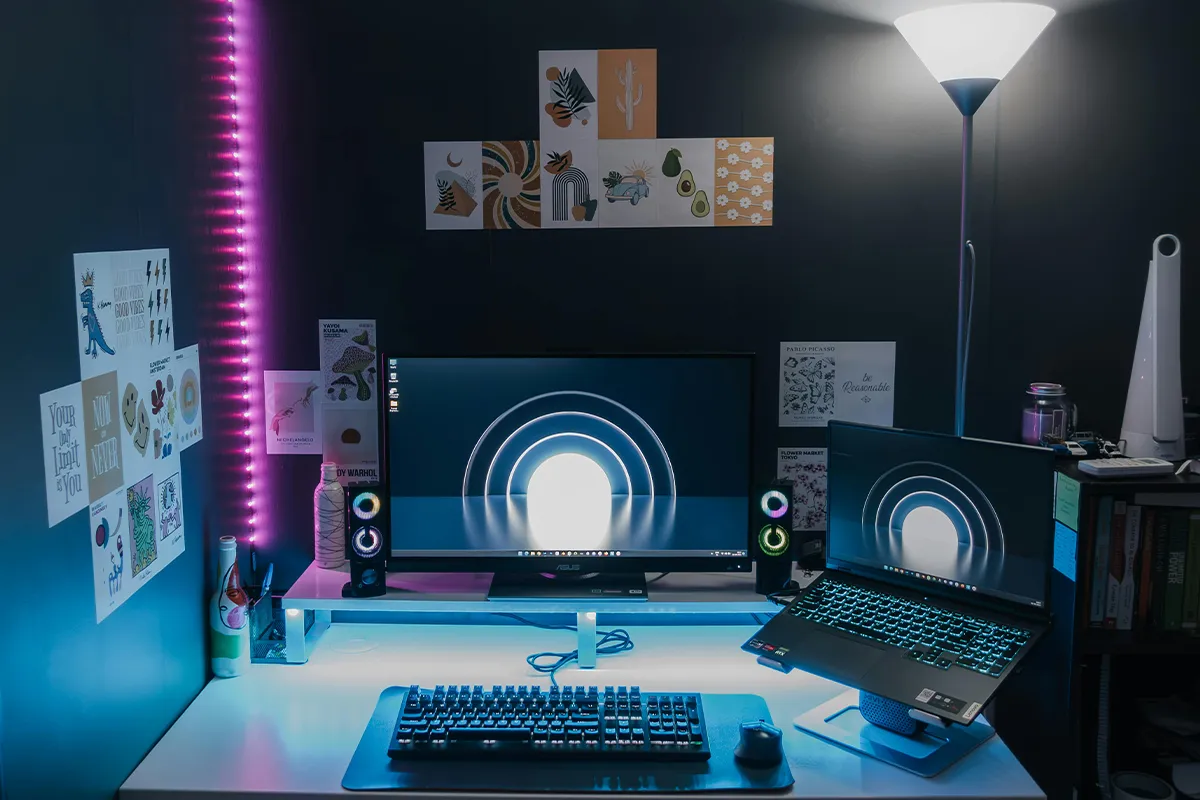
Working on a big project that requires keeping multiple tabs and applications open? This happens when you are a professional who is looking to scale at your workplace. Improving the workplaces with these best 24-inch laptop screen extenders for remote work can double or even triple your productivity overnight. Smaller desks may benefit from 21-inch laptop screen extenders when space is very tight.
When it comes to productivity, the dual laptop screen extender setup is the only way out. They give you the freedom to avoid frequent tab switching. All the applications are live at a glance, and you can jump to one you need without losing sight of the other. Additionally, when you are done multitasking, you can use one of these portable laptop screen extenders for entertainment during long working hours.
Top 10 Best 24-Inch Laptop Screen Extenders for Remote Work
In this list, you will see ten well-known model names. Each one can sit beside your laptop, and many of them are cheap laptop screen extenders for people on a tight budget. As you read, try to imagine how each screen would look on your own desk.
1. ASUS ZenScreen MB249C
ASUS ZenScreen MB249C gives a very simple way to start with two screens. This screen feels wide and clear, so your apps have enough room. Chat, mail, or notes can stay on this screen, and your main work can stay on the laptop. When you move less between tabs, your day can feel calmer and more relaxed.
At home or in a small office, this model is easy to move. It can stand on a study table, a dining table, or a work corner. Placed beside your laptop, it quickly turns into a dual-screen setup for remote work that feels easy to use and not too big for a small desk.
Pros:
- Light for moving between rooms.
- One cable for laptop setups.
- Many mounting options for desks.
- Good size for split-screen.
Cons.
- The stand feels less adjustable.
- Not the brightest screen.
- Speakers’ sound is only average.
- Higher price than basic screens.
2. Dell P2425HE Pro USB-C Hub
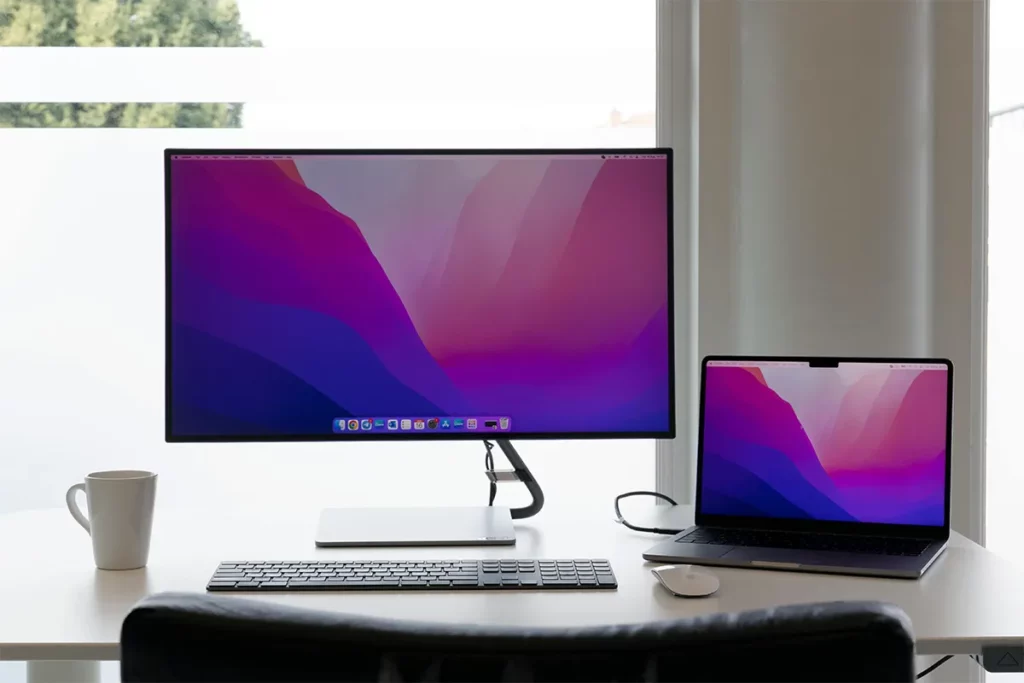
The Dell P2425HE Pro USB-C Hub works well when you want a clean and simple desk. Cables and tools can plug into the screen, so fewer wires touch your laptop. A neat table can help your mind feel neat, too, before you even begin your first task.
The stand on this model can move up, down, and side to side. Your eyes can look straight at the center of the picture, and your neck and shoulders feel less tight when you sit like this for many hours. Used in this way, it works as an eye-friendly monitor for long hours, because it supports both a clear view and a better body position.
Pros:
- Strong hub features for laptops.
- Many ports for desk setups.
- Can power most work laptops.
- Good stand with full adjustments.
Cons.
- More complex than basic screens.
- Extra ports some users waste.
- Heavier than simple office models.
- Higher price than entry models.
3. HP M24fd FHD USB-C
The HP M24fd FHD USB-C fits very well on small desks. The frame is thin, so there is still space for your keyboard, mouse, and a notebook. You can place the laptop on one side and this screen next to it, so your work can spread in a simple and tidy way.
Remote workers often like how easy this screen is to use each day. Remote workers who use dual monitors often like how easy this screen is to use each day. You can slide it back when you need more room, then pull it closer when you want to read small text. In a small room or a busy family home, this model feels right for a space-saving desk monitor setup that still looks big enough for real work.
Pros:
- Slim frame saves desk space.
- Easy setup for home workers.
- Higher refresh helps smooth motion.
- Good value for tight budgets.
Cons.
- Stand offers tilt movement only.
- No height adjustment for comfort.
- The plastic build feels less solid.
- Sound quality feels quite basic.
4. Samsung S40UA LS24A400
Samsung S40UA LS24A400 makes text look clear and sharp. Emails, sheets, and slides stay easy to read, even with smaller font sizes. When your laptop sits a little to one side, and this screen stands in front, your main tasks have a strong and steady place.
Some users choose this Samsung screen as the main center of the desk. The laptop can connect quickly, and the keyboard and mouse fit in a straight line under the picture. Used in this way, the screen becomes the heart of a laptop docking solution with one cable, so you sit down, plug in once, and start your work without extra steps.
Pros:
- Clear text for long reading.
- Strong stand with many adjustments.
- A single cable can power a laptop.
- Good choice for office desks.
Cons.
- The price is higher than that of simple screens.
- Screen size may feel large.
- May need deep desk space.
- Not aimed at gaming use.
5. LG 24QP750-B
LG 24QP750-B shows a very clear, sharp picture. On this screen, you can see many lines of text, code, or rows in a sheet at the same time. Two files can stay side by side, and both still look neat and easy to read. This view helps you compare, copy, and check work in a simple way.
The price stays kind for many users, even with the clear picture. Students, new remote workers, and office staff who rely on laptop screen extenders for office workers can enjoy the extra detail without paying for a very high-end screen. For people like this, it feels like a budget-friendly 24-inch display that gives strong quality and still saves money.
Pros:
- Sharp picture for detailed work.
- More space for stacked windows.
- Strong stand supports many positions.
- Nice option for light design.
Cons.
- Higher resolution needs a stronger laptop.
- Small text may need scaling.
- Costs more than FHD models.
- Not ideal for pure gaming.
6. Lenovo ThinkVision T24i-30
Lenovo ThinkVision T24i-30 gives a calm and steady view for long hours. This screen is made for normal daily work, like reading mail, writing text, working with web pages, and looking at code. The surface helps reduce strong light, so your eyes do not feel tired so quickly.
Creators who make simple designs, slides, or small photo edits can also like this model. Colors look close to real, and lines stay clean on the screen. When used in this way, it becomes a color-accurate screen for creators who want honest color and clear shape without buying a large studio screen.
Pros:
- Simple look suits office desks.
- The stand allows a full adjustment range.
- Anti-glare helps in bright rooms.
- Good choice for text work.
Cons.
- No USB-C for one cable.
- Needs adapters for many laptops.
- The FHD panel is less sharp today.
- Limited ports compared with hubs.
7. Acer CB242Y
Acer CB242Y often becomes the first extra screen in many homes. For travel or very small tables, 15.6-inch laptop screen extenders can be a better match than these larger 24-inch models. The picture looks smooth and soft, and the wide view means it still looks good when you lean back or turn your chair a little. You do not need to sit in one stiff spot just to see the screen clearly.
This model can handle many jobs in one day. School work, office tasks, web pages, and simple videos all run without trouble. When you pair it with a laptop that supports the right link, it can stand at the center of a USB-C monitor for a home office style setup that feels simple and friendly for daily use.
Pros:
- Low-priced suits fit tight budgets.
- Wide viewing angles stay clear.
- Works well for simple tasks.
- Lightweight screen for easy moving.
Cons.
- No USB-C on base versions.
- Stand may have fewer adjustments.
- Speakers lack depth and power.
- Not the best choice for gaming.
8. BenQ GW2485TC
BenQ GW2485TC puts a strong focus on your eyes. The light on this screen can change in a soft way, so the glow does not feel too harsh in the morning or at night. A gentle picture like this helps when you sit in a dim room and want the screen to feel kind and not bright and strong.
Students and home workers often choose this BenQ model for online classes and work calls. Sound can come from the screen, and you can place a small camera right on top. When you use it like this, it fits well inside a video conferencing monitor with webcam setup, even if the camera is a separate one that you add yourself.
Pros:
- Eye-care modes reduce eye strain.
- USB-C can power a work laptop.
- Daisy chain support for dual screens.
- Good pick for study rooms.
Cons.
- The design looks simple, not stylish.
- Speakers’ sound is soft at times.
- Menu buttons feel a bit small.
- Price is higher than basic FHD.
9. ViewSonic VG2456
ViewSonic VG2456 tries to make life with cables easier. Your keyboard, mouse, and network cable can plug into the back of the screen. After you set it up, your laptop needs only one main link, so your desk looks clean and open instead of full of wires.
This kind of setup can keep working when you change to a new laptop later. You do not need to build a new desk every time you switch devices. Small teams and growing groups often find this very helpful. For them, it works as a future-proof monitor for growing teams that can support many people and many laptops for a long time.
Pros:
- Acts as a full laptop dock.
- Built-in Ethernet supports wired internet.
- Many USB ports for devices.
- Ergonomic stand helps posture comfort.
Cons.
- More features raise the overall price.
- The setup can confuse some users.
- Dock features wasted on light use.
- Fanless design still may work.
10. Philips 24E1N5300HE
Philips 24E1N5300HE helps people who spend a lot of time in video calls. In tight shared spaces, 14-inch laptop screen extenders can give a small but very helpful second view beside your main laptop. A camera, mic, and speakers can sit inside the frame, so the desk does not fill with extra small boxes and wires. Your work area can stay neat, with only your laptop, the screen, and a few simple items in front of you.
Running calls on this screen while notes and web pages stay on the laptop makes your work feel clear and calm. You can see faces, slides, and your own words at the same time. In a small room or a shared home, this “all-in-one” idea fits nicely into a space-saving desk monitor setup that stays ready for each new call.
Pros:
- Built-in webcam helps clear calls.
- USB-C reduces cable clutter nicely.
- Speakers are fine for simple meetings.
- Good fit for home offices.
Cons.
- The top bezel is thicker for the webcam.
- Webcam angle may need tweaks.
- Not aimed at heavy gaming.
- Price is higher than screen-only models.
Comparison Table: 24-Inch Laptop Screen Extenders
| Model | Panel and resolution | Refresh rate | USB-C power delivery | Other key ports | Ergonomics | Best for |
|---|---|---|---|---|---|---|
| ASUS ZenScreen MB249C | 23.8-inch IPS, 1920 x 1080 (FHD) | 75 Hz | Up to 60 W PD | HDMI 1.4, headphone jack | Simple stand, portable multi-stand options (kickstand, clamp, hook) | Portable 24-inch extender with many mounting options |
| Dell P2425HE Pro USB-C Hub | 23.8-inch IPS, 1920 x 1080 (FHD) | 60 Hz | Up to 90 W PD | HDMI 1.4, DP 1.4 in, DP 1.4 out, RJ-45, multiple USB-A | Height, tilt, swivel, pivot stand | One-cable laptop dock with wired network and USB hub |
| HP M24fd FHD USB-C | 23.8-inch IPS, 1920 x 1080 (FHD) | 75 Hz | Up to 65 W PD | HDMI 1.4, VGA, USB-A hub | Tilt stand (no pivot on base model) | Simple, low-cost USB-C FHD extender for small desks |
| Samsung S40UA LS24A400 | 24-inch IPS, 1920 x 1080 (FHD) | 75 Hz | Up to 65 W PD | HDMI, DisplayPort, USB hub (USB 3.2) | Height, tilt, swivel, pivot stand | Clean one-cable laptop dock with full ergonomic stand |
| LG 24QP750-B | 23.8-inch IPS, 2560 x 1440 (QHD) | 75 Hz | Up to 65 W PD | 2 x DP, HDMI, USB-C, USB-A hub, audio out | Height, tilt, swivel, pivot stand | Higher-resolution productivity tasks and light creative work |
| Lenovo ThinkVision T24i-30 | 23.8-inch IPS, 1920 x 1080 (FHD) | 60 Hz | No USB-C (USB-B plus USB-A hub only) | HDMI, DisplayPort, VGA, USB 3.2 hub, audio out | Full-adjust stand: height, tilt, swivel, pivot | Solid FHD office screen when USB-C is not required |
| Acer CB242Y | 23.8-inch IPS, 1920 x 1080 (FHD) | 48–75 Hz | No USB-C on base CB242Y models (HDMI/DP/VGA only) | HDMI, DisplayPort, VGA, speakers | Height, tilt, pivot (depending on variant) | Budget-friendly FHD extender with basic ergonomics |
| BenQ GW2485TC | 23.8-inch IPS, 1920 x 1080 (FHD) | 75 Hz | Up to 60 W PD via USB-C | HDMI, DisplayPort, USB-C, DP out (daisy chain), speakers | Height, tilt, swivel, pivot stand | Eye-care focused FHD dockable extender with daisy chain |
| ViewSonic VG2456 | 23.8-inch IPS, 1920 x 1080 (FHD) | 60 Hz | Up to 60 W PD via USB-C | HDMI, DP in, DP out, RJ-45 Ethernet, USB 3.2 hub, speakers | Height, tilt (up to 40°), swivel, pivot | Full docking monitor for one-cable laptop setups with LAN |
| Philips 24E1N5300HE | 23.8–24-inch IPS, 1920 x 1080 (FHD) | 75 Hz | Up to 65 W PD via USB-C (USB PD 3.0) | HDMI 1.4, DP 1.2, USB-C, USB 3.2 hub, audio out, speakers | Height, tilt, pivot stand, built-in 5 MP Windows Hello webcam | Video-call focused USB-C hub screen with webcam and audio |
Conclusion
After you add a 24-inch laptop screen extender, your workday starts to feel different. Some research on office setups also notes that studies of dual-monitor workstations report both potential gains in task efficiency and possible posture concerns. Jobs that felt tight and rushed now feel slow and clear. One screen can hold your main task, and the other screen can hold chat, notes, and mail. Your eyes stop jumping so much between small windows.
Each model in this guide can be the best 24-inch laptop screen extender for a different person. A student may choose the lowest price that is still soft on the eyes. A creator may care more about color and detail. A manager may want a quick setup for calls and teamwork. No matter who you are, a good second screen can turn your laptop into a strong USB-C monitor for a home office style desk that helps you every day.