
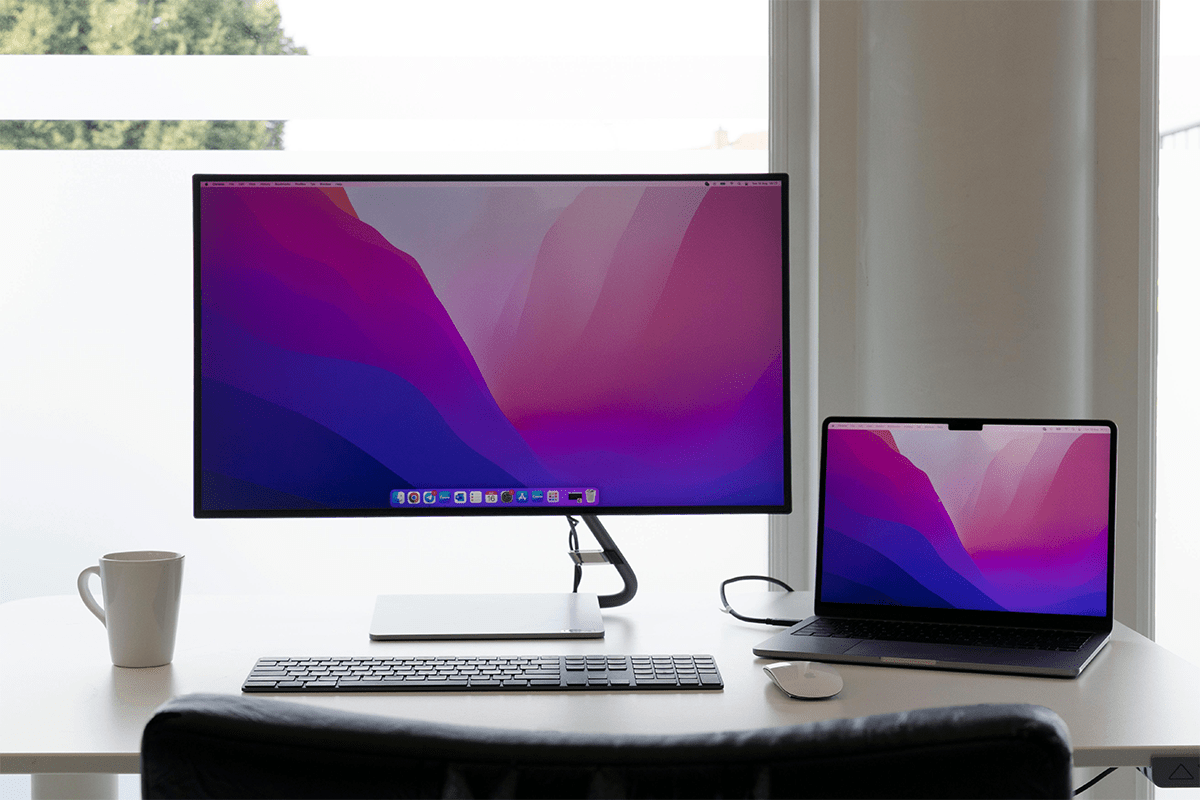
If you are an outdoor enthusiast or a remote worker who wants to visit different places, this laptop screen extenders best brand list will help you work comfortably wherever you go. The full HD resolution ensures that you can work even when sitting outdoors. It is like a new experience and the freedom to work in a remote place with your entire office in front of you. Enjoy the fresh breath, the view and your office screens all at the same time.
These portable laptop screen extenders are also a good fit for fixed places like the office, a home office, and a dedicated workspace. Their portability makes them a perfect fit for remote and settled workplaces. Now, do not lose your focus while working on multiple tasks. Avoid frequent tab switching and keep an eye on all the important tabs. This type of setup is very compatible for traders, freelancers, professional individuals, and ideal for students.
Top 10 Best Laptop Screen Extender Brand Ideas:
Some extenders stand next to your laptop like a small monitor. Other extenders attach to the laptop and slide out. Each pick below is from a well-known brand and is made for daily use.
1. ASUS ZenScreen MB16AC
ASUS makes many screens, so the brand name feels familiar. The ZenScreen MB16AC is slim and easy to carry. The screen can fit in a bag with a laptop, which can help on busy days. The size also feels good for reading text and checking email.
Many people want a setup that takes only a minute. With the right laptop, you can plug in the screen and start. That is why it can fit the portable monitor for laptop travel needs. A second screen can keep your notes open while you type on the laptop.
Pros:
- Works with USB-C or USB-A
- Thin and light for travel
- Includes protective cover stand
- Good IPS viewing angles
Cons:
- Standing cover can feel awkward
- The screen can look dim outdoors
- Limited color for pro work
- No touchscreen for quick taps
2. Lenovo ThinkVision M14t Gen 2
Lenovo ThinkVision screens aim at simple work tasks. The M14t Gen 2 is made for a clean desk setup. Its shape and stand can feel steady on a table. The screen is also built to be light enough to move from place to place.
Touch control can make small tasks feel faster. Scrolling a long page can feel easy with a finger tap. For anyone who wants a touchscreen portable monitor for productivity, this model can be a smart pick. Many note apps and office apps work well with touch.
Pros:
- Responsive touchscreen with included stylus
- Tall 16:10 workspace
- Very flexible stand angles
- Sharp 2.2K text clarity
Cons:
- The price feels high for the size
- Colors are only average
- Speakers are not a focus
- Touch needs USB-C video
3. Dell 14 Portable Monitor C1422H
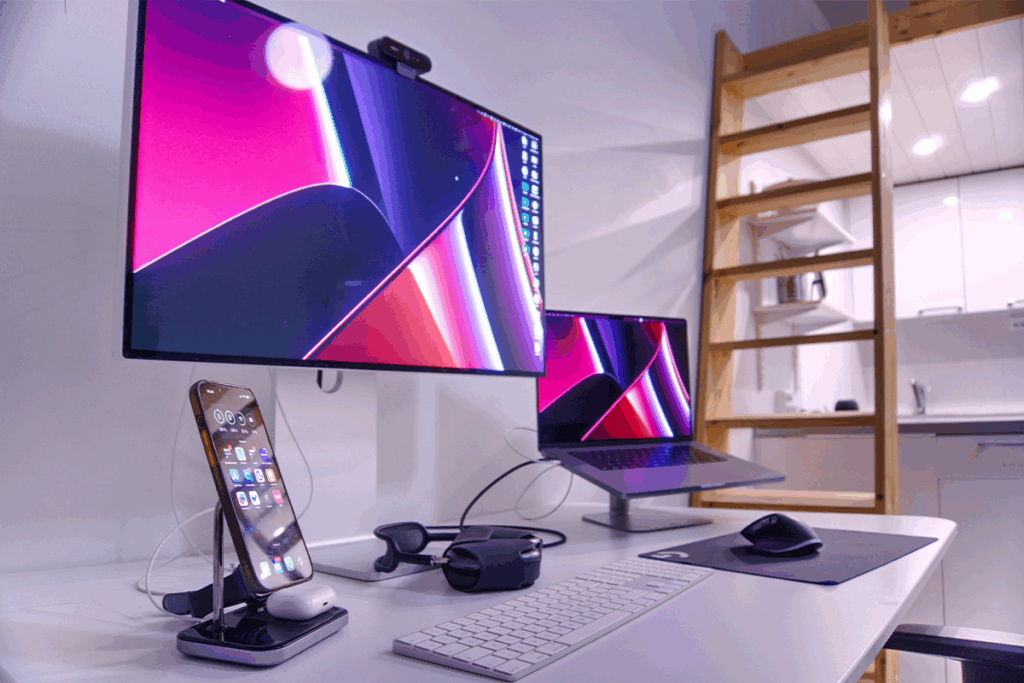
Dell is known for office gear that lasts. The Dell 14 Portable Monitor C1422H is a good size for daily work. Text stays clear, and the screen does not feel too big for travel. A 14-inch screen can also sit well beside a laptop on a small desk.
Some people want a screen that is easy to carry but still easy to read. That is where a lightweight 14-inch laptop screen extender can help, and it is one of the simple laptop dual-screen extenders many people start with. A second screen can hold chat, email, or a meeting, while your main work stays on the laptop.
Pros:
- Crisp text and sharp image
- Strong stand with wide tilt
- Good color for office work
- Good reflection handling indoors
Cons:
- No HDMI, USB-C only
- No HDR for movies
- Black levels look gray
- Small screen for big tasks
4. HP E14 G4 Portable Monitor
HP makes many work laptops, so HP screens often match that style. The E14 G4 is built for steady use, like writing, reports, and calls. The goal is simple: give you extra space with a setup that feels normal and easy.
Cable choice matters before you buy. Many buyers want a screen that works with the ports they already use. A USB-C portable monitor compatible with a Windows laptop can make life easier when it works well. One cable can reduce desk mess and save time.
Pros:
- Bright screen helps outdoor use
- Lightweight for daily travel
- Dual USB Type-C ports
- Anti-glare finish reduces glare
Cons:
- Not a touchscreen for quick actions
- Only 1080p, not sharper
- The price can feel high
- Connection can sometimes drop
5. LG gram +view 16MQ70
LG is known for good screens, so many people trust the look and feel. The gram +view 16MQ70 gives a larger view than many travel screens. More space can feel great when you read long pages, edit documents, or check wide tables.
A bigger screen can also reduce zooming and scrolling. This is why MacBook screen extenders can feel helpful, because you scroll less and keep more in view. If you want a 16-inch portable monitor for spreadsheets and research, this model can be a good match. It can keep your source open while you write on the laptop screen.
Pros:
- Sharp 2560 x 1600 display
- Large 16-inch work area
- Very light for its size
- Great color and contrast
Cons:
- USB-C only, no HDMI
- No built-in speakers
- No touch input support
- Compatibility can vary by device
6. ViewSonic VA1655
ViewSonic has made displays for a long time. The VA1655 is often picked for simple daily use. It can work well for web pages, writing, and basic office tasks. Many buyers like it because it stays focused on the main job: being a second screen.
A clean setup can help you stay calm and focused. Some people look for laptop 4-screen extenders, but many people start with one extra screen and add more later. A single-cable portable monitor setup for a laptop can be great when you travel or work in tight spaces. Less cable clutter can also mean fewer problems.
Pros:
- Budget price from a known brand
- USB-C power pass-through charging
- Simple menu with joystick control
- Lightweight with built-in kickstand
Cons:
- Thicker and heavier than rivals
- Color and contrast feel modest
- Weak speakers for videos
- Not for color-critical work
7. Acer PM161Q C
Acer is a common name in laptops and monitors. The PM161Q C is made to add screen space without a heavy load. It can be useful for remote work, school, and daily home tasks. Many people like a portable screen that feels simple and easy to place.
Work feels smoother when you can keep tools open. A second screen can hold a calendar, a task list, or a chat app. For people who want a portable laptop second monitor for remote work, Acer is a known brand to consider. A stable stand can also help when you type a lot.
Pros:
- Slim 15.6-inch travel screen
- Has USB-C and mini HDMI
- Easy setup for quick work
- Good value for basic use
Cons:
- The stand can feel less stable
- Brightness may feel limited
- No touch features listed
- Cover protection is basic
8. AOC 16T3EA
AOC sells many monitors, so the brand is not new or unknown. The 16T3EA gives a screen size that feels close to many laptop screens. That can make the two-screen view feel balanced. Reading and editing can feel easier when both screens feel similar in size.
Price matters, but trust matters too. Cheap laptop screen extenders can look good at first, but a low price does not help if the screen fails early. That is why many buyers look for a budget-friendly portable monitor from a known brand. AOC can fit that need for people who want value and a familiar name.
Pros:
- Lightweight and easy to carry
- Auto Pivot helps portrait mode
- USB Type-C power and video
- Simple work screen for travel
Cons:
- Color accuracy is limited
- Small for wide multitasking
- No HDMI port listed
- Not ideal for photo work
9. SideTrak Slide
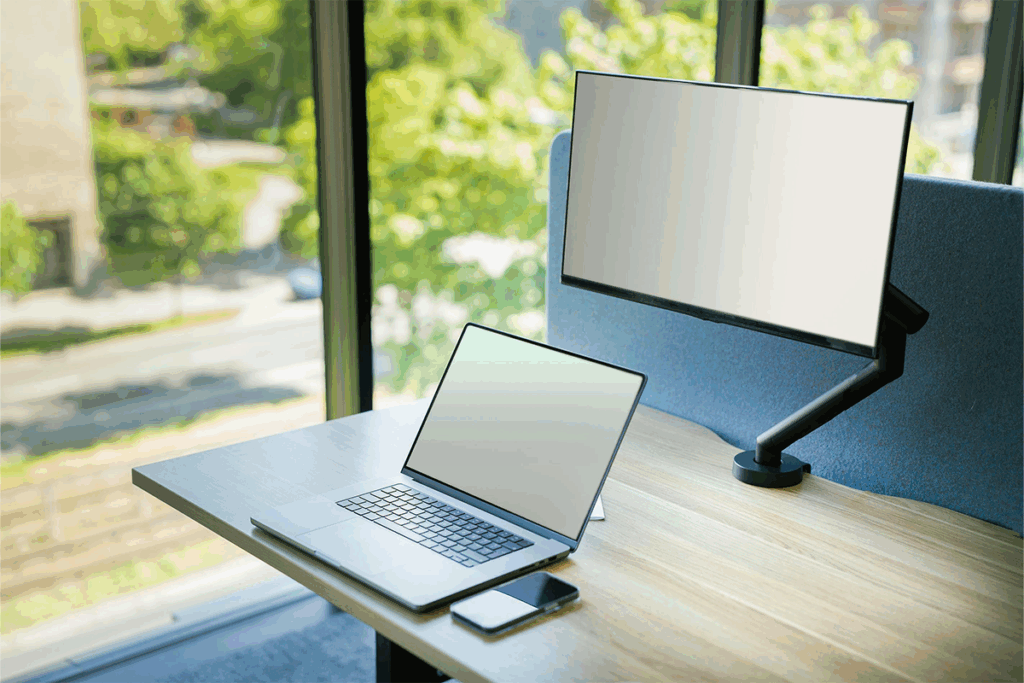
SideTrak is known for screens that attach to the laptop. The Slide model is made to pull out fast when you need it. When you finish, it can slide back in. That style can help when a desk is small or when you work in different spots each day.
This kind of extender can feel very handy on the go. You do not need a separate stand on the table. Many travelers like an attachable laptop screen extender for business travel because the setup can be quick. Laptop size and weight still matter, so it is smart to check fit before buying.
Pros:
- Attaches to the laptop with magnets
- Slides out fast when needed
- Easy to pack and store
- Adds a dual screen anywhere
Cons:
- Adds weight to the laptop lid
- Needs adhesive mounting plates
- The screen can flicker for some
- Less durable than stand monitors
10. Mobile Pixels TRIO
Mobile Pixels makes laptop extenders that focus on more screen space. The TRIO model is built for people who want a bigger multi-screen setup from a laptop. Two extra screens can help when you keep many tools open at once. The goal is to reduce switching and keep your work in view.
More screens can feel like more control. One screen can hold a meeting, another can hold notes, and the laptop can hold the main task. For anyone who wants laptop 3-screen extenders, TRIO is a well-known product in that style, and it helps keep more work in view. Port support and laptop strength are important here, so it helps to plan the setup before you buy.
Pros:
- Two extra screens for work
- Helps multitask with three views
- Supports USB-C and USB-A
- Portable design for travel setups
Cons:
- Heavier than single monitors
- Average image quality for the price
- Setup takes more desk space
- Needs a strong laptop hinge
Laptop Screen Extenders Best Brands List at a Glance
| Model | Style | Screen size | Resolution | Touch | Ports / Connection | Weight |
|---|---|---|---|---|---|---|
| ASUS ZenScreen MB16AC | Stand-alone portable monitor | 15.6″ | 1920 x 1080 | No | USB Type-C input (hybrid USB host support: Type-C or Type-A) | 780 g (1.72 lb) |
| Lenovo ThinkVision M14t Gen 2 | Stand-alone portable monitor | 14″ | 2240 x 1400 | Yes (10-point capacitive) | 2 x USB-C (DP 1.2 Alt Mode) | 0.7 kg |
| Dell 14 Portable Monitor C1422H | Stand-alone portable monitor | 14″ | 1920 x 1080 | No (touch not listed) | 2 x USB-C (DisplayPort 1.2 mode) | 590 g |
| HP E14 G4 Portable Monitor | Stand-alone portable monitor | 14″ | 1920 x 1080 | No (touch not listed) | 2 x USB Type-C (Alt Mode DisplayPort 1.2) | 0.64 kg |
| LG gram +view 16MQ70 | Stand-alone portable monitor | 16″ | 2560 x 1600 | No (touch not listed) | 2 x USB-C | 670 g |
| ViewSonic VA1655 | Stand-alone portable monitor | 16″ (15.6″ viewable) | 1920 x 1080 | No (touch not listed) | 2 x USB-C, mini HDMI | 0.7 kg |
| Acer PM161Q C | Stand-alone portable monitor | 15.6″ | 1920 x 1080 | No (touch not listed) | 2 x USB Type-C ports; mini HDMI cable included | Not listed |
| AOC 16T3EA | Stand-alone portable monitor | 15.6″ | 1920 x 1080 | No (touch not listed) | USB-C 3.2 x 1 (DP Alt Mode, upstream, PD up to 15 W) | Approximately 1 kg |
| SideTrak Slide | Laptop-mounted screen extender | 12.5″ | 1920 x 1080 | Not listed | Not listed | Not listed |
| Mobile Pixels TRIO | Laptop-mounted triple screen extender | 12.5″ (TRIO line) | 1080p (Full HD) | Not listed | Not listed | Not listed |
Conclusion
A second screen can make a laptop work more easily. For comfort, proper monitor height and viewing distance can help reduce neck strain when you use a second screen. More space means fewer tab switches. Less switching can help you stay focused and finish work faster. That is why a laptop screen extender, the best brand choice, can feel like a real upgrade.
Your best pick depends on your day. Travel work often needs lightweight and easy cables. Homework often needs comfort and a bigger view. When the screen matches your routine, the whole setup feels simple and useful.